Loot To Forge Latest Update Notes
Sep 17 2026 status: still UPD2 branding, rising CCU, and a practical checklist when exact patch notes stay private.
Honest scope of this page
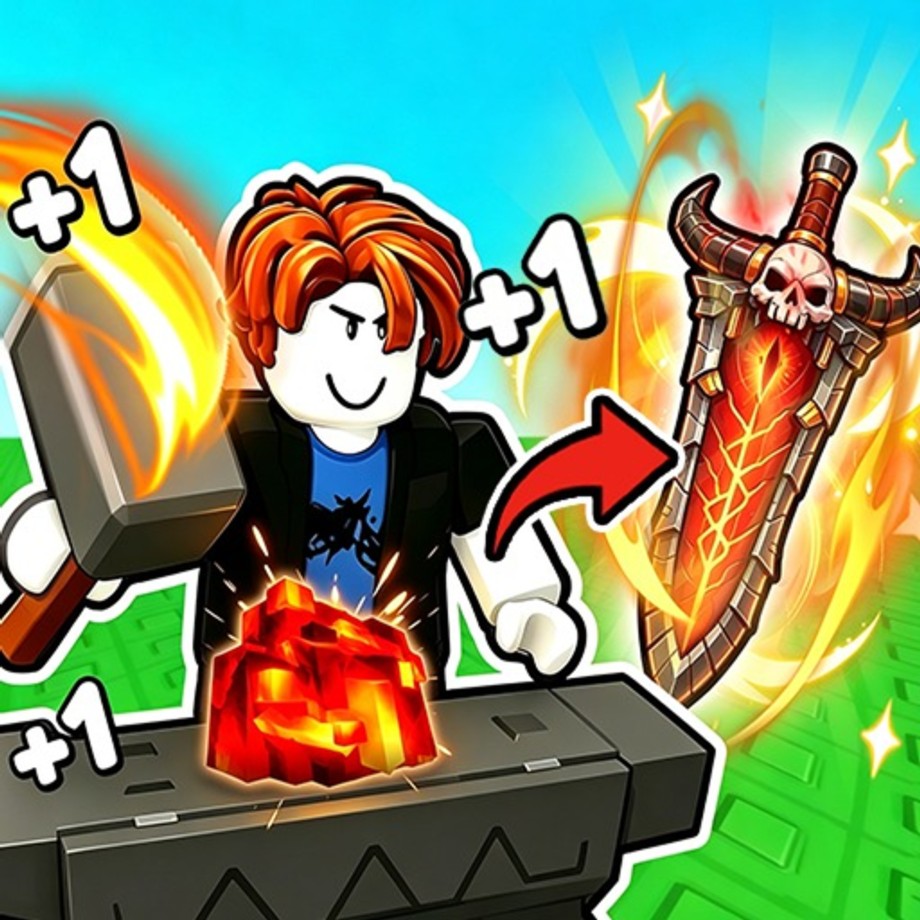
+1 Loot To Forge (Good Bro Studio) ships live Roblox title updates that change the experience name branding, balance, and systems over time. Public listings have shown labels such as [UPD2]+1 Loot To Forge. Exact patch-note bullets are not always mirrored to a permanent public changelog with the same detail as a Steam game. This page therefore focuses on what players should do after an update, plus the UPD2-era context we can verify, instead of inventing fake patch tables.
When official notes appear in the Roblox description, group shout, or in-game mail, prefer those sources. Then return here for a checklist that stays useful across patches. Browse sibling hubs anytime: updates hub, codes, guides, tier list, scripts, and players.
Status check — 17 September 2026
As of 17 September 2026, the live experience is still titled with UPD2 branding ([UPD2]+1 Loot To Forge). Concurrent players have been climbing around the ~12k CCU range, with total visits near ~2.9M and favorites around ~210k. Those figures move daily; treat them as a snapshot of rising interest, not a promise that every system stayed frozen since the UPD2 label first appeared.
We still do not have a complete public bullet list for every balance tweak Good Bro Studio may have shipped under that title. If the Roblox description, group wall, or Discord announces concrete changes, those sources win. Until then, assume the core loop is intact and re-verify codes, scripts, and stage feel after any client change.
UPD2-era context
Around the UPD2 branding window, the live experience continued the core loop players already know:
- Click/train to raise Power
- Clear the linear dungeon, collect ores and loot
- Forge weapons and armor at the hub
- Buy backpack upgrades, apply enchants, and Rebirth for permanent multipliers
- Push harder stages and tower-style content such as Frost Tower when available
UPD2-style updates typically mean “the operators shipped another content/balance bundle,” not that the genre of the game changed. Expect possible tweaks to forge results, enemy Power curves, shop prices, tower rules, or promo codes. Do not assume last week’s Legendary craft odds or script toggles still behave identically.
Because notes drift, this wiki will revise pages after we re-verify systems in-game. If something on a guide disagrees with what you see live, trust the live client and tell us which screen changed.
What to do after every update
Run this checklist in order whenever the Roblox title, icon, or description changes—or when friends say “it updated.”
1. Recheck codes
Promos often launch with update marketing, and old codes expire without warning. Open the codes hub, redeem anything newly listed, and remove expired entries from your personal notes. As of the 17 September 2026 pass there were still no confirmed active public codes, but that can change on the next shout—recheck after every patch before a long forge session so free ores/Coins land first.
2. Re-test progression basics
- Confirm training still raises Power at a sane rate.
- Walk an early dungeon stage and verify loot drops still appear.
- Open the forge (weapon and armor tabs) once to ensure UI/flow still works.
- Check Rebirth threshold text so you know the new cadence.
If a basic system errors, wait for a hotfix before spending rare ores.
3. Re-evaluate balance for tier lists
Enemy Power gaps and forge rarity feel can shift. Re-apply the four-hit retreat rule instead of memorizing stage numbers. Then skim:
- Weapons tier list — Katana vs Greatsword still situational; rarity still dominates.
- Armor tier list — slot RNG and Power comparisons remain the decision framework.
Update your personal “farm stage” if clears suddenly take longer or become trivial.
4. Recheck scripts (if you use them)
Automation breaks first. Loaders such as Ouroboros Hub depend on remote files and game remotes that patches rename. After UPD-style drops:
- Expect Auto Forge / Auto Farm to fail until authors update.
- Re-read how to execute safety notes—ban risk does not go away after a patch.
- Prefer manual play until toggles are confirmed. Misconfigured sell filters after an update can dump rare ores.
5. Re-plan mid/late goals
Use progression tips and common mistakes to reset forge-vs-sell priorities, backpack cadence, and Frost Tower prep. An update that buffs tower rewards might justify investing enchants sooner; a forge nerf might justify selling more junk for capacity instead.
What usually changes vs what usually stays
| Often shifts after patches | Usually stays |
|---|---|
| Code lists and rewards | Train → dungeon → forge loop |
| Enemy Power per stage | Retreat-when-stuck heuristic |
| Forge feel / rarity odds | Need for both weapon and armor Power |
| Script compatibility | Ban risk for executors |
| Tower rules or tickets | Value of backpack upgrades |
| Shop upgrade pricing | Rebirth as permanent multipliers |
Keeping that split in mind stops you from rewriting your entire brain every Tuesday while still respecting that numbers move.
How we will maintain this wiki after patches
- Verify codes and mark expiry when known.
- Spot-check forge, armor RNG messaging, and stage feel.
- Adjust tier-list guidance if type balance meaningfully changes.
- Note script breakage honestly instead of pretending hubs are immortal.
- Refresh progression tips when a new endgame activity appears.
We will not invent detailed patch tables we cannot source. Silence on a specific percentage buff means “unverified,” not “unchanged.”
Player FAQ mindset after UPD2-style drops
- “Is my Legendary bricked?” Usually no—items remain—but relative Power versus new enemies might feel different. Reforge only if the four-hit rule says so.
- “Should I Rebirth right after updating?” If the threshold is ready and systems work, yes; multipliers still matter. If the Rebirth UI errors, wait.
- “Why did my script wipe my ores?” Filters reset or item IDs changed. Turn Auto Sell off until you reconfigure.
- “Where are full notes?” Check the Roblox experience description and group posts first; use this page for the action checklist.
Related hubs
Stay flexible. UPD2 is a milestone label, not the last word—the next title update will ask you to run the same checklist again.
Frequently Asked Questions
Quick answers to the most common Loot To Forge questions.
What is UPD2 in +1 Loot To Forge?
UPD2 refers to a public title-update branding on the live Roblox experience. It signals a shipped content/balance bundle; exact note lines can differ from third-party summaries, so verify in-game.
What should I do right after an update?
Redeem codes, smoke-test train/dungeon/forge/Rebirth, re-check tier-list assumptions, and disable scripts until automations are confirmed working.
Why does this page not list every buff and nerf?
Official detailed changelogs are not always published in a stable public archive. We prioritize verified player actions over invented patch tables.
Do scripts still work after UPD2-style patches?
Often not immediately. Hubs break when remotes change. Recheck Ouroboros Hub later, or play manually using the guides until authors update.