Loot To Forge Ouroboros Hub Script
Feature breakdown, loadstring, and risk disclaimer for players who choose to automate +1 Loot To Forge.
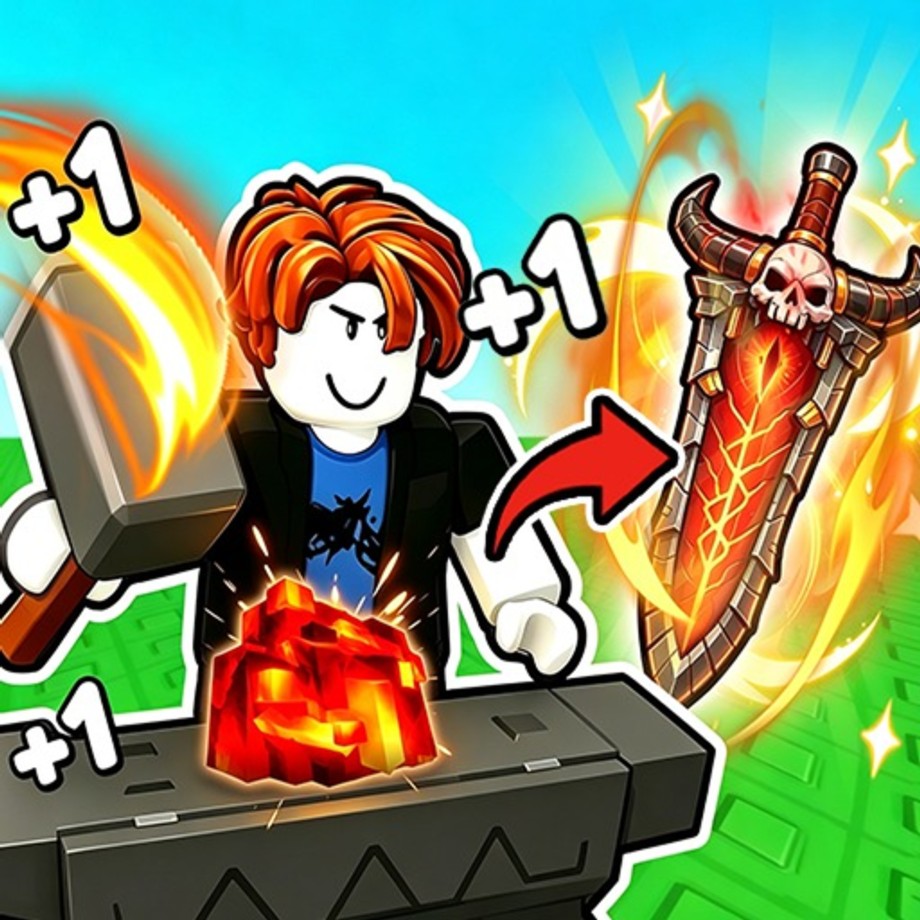
Important safety disclaimer
Using third-party executors and scripts on Roblox violates Roblox Terms of Use and can result in warnings, bans, or permanent account loss. This wiki documents what public hubs claim to offer so players can make an informed choice. We do not encourage breaking the rules. If you run anything, you do so entirely at your own risk. Prefer official gameplay, codes, and the guides if you want a safe account.
Never paste loadstrings you do not trust. Review the URL, understand that remote code can change without notice, and never enter passwords or session cookies into random UIs.
What Ouroboros Hub targets
Ouroboros Hub is a multi-game loader that includes a module for [UPD]+1 Loot To Forge. Community listings describe it as a keyless hub focused on automating the game’s incremental loop: train Power, farm the dungeon or tower, forge and sell with filters, buy upgrades, and rebirth on a schedule. Feature names below follow common public descriptions; menus can be renamed after game updates, so treat this as a map of capabilities rather than a guarantee that every toggle still works today.
For executor setup at a high level, read how to execute scripts.
Loadstring
Paste this into a working executor while you are in the +1 Loot To Forge experience (or as your executor’s docs require), then execute:
loadstring(game:HttpGet("https://raw.githubusercontent.com/joustingmatch/Ouroboros/main/loader.lua"))()That line downloads and runs the remote loader. If GitHub is blocked on your network, the HttpGet will fail—see the troubleshooting notes on the execute guide. After the UI appears, select the +1 Loot To Forge / related game entry if the hub shows a game list.
Core automation features
Training and combat helpers
- Auto Train — Parks you in training flow so Power rises with less manual clicking. Useful after Rebirth when you need to rebuild Power quickly.
- Auto Click / Clicks Per Second — Speeds hub training input if you train with clicks instead of only the auto-train area.
- Train Area Selector — Picks which training spot or dummy tier to use when multiple options exist after Rebirth unlocks.
- Instant Kill (when present) — Aggressive combat assist; high detection risk and easy to break after balance patches. Prefer stage-appropriate farming over blatant kill toggles if you care about the account.
Dungeon and tower farming
- Auto Farm Dungeon — Walks the linear dungeon loop: fight, collect, repeat according to hub settings.
- Stage Selector — Locks farming to a chosen stage instead of always pushing further. Pair with the four-hit retreat rule from the guides so you do not autofarm a brick wall.
- Auto Farm Tower / Tower Start Round Selector / Farm Rounds In Order — Automates Frost Tower-style content when those modes are available in the live build.
- Exit Fight Now / Exit Tower Now — Emergency leave toggles when a run goes bad or you need to sell/forge.
- Auto Collect Ore — Picks up drops so bag fills without manual spam.
Forge, sell, and inventory filters
- Auto Forge / Forge Now — Sends ores through the forge loop so you are not manually crafting every few minutes.
- Forge Ore Rarity Filter / Ore Rarity Filter — Limits which rarities are spent or kept so Commons are not always burned first—or so you protect high ores.
- Spend Best Ore First — Opposite priority for players who want maximum craft quality quickly (higher risk of wasting best materials).
- Target Gear Selector — Aims crafts toward weapon vs armor goals when the hub exposes that control.
- Auto Sell / Sell All Now / Sell Rarity Filter / Sell Item Types / Keep Per Ore / Keep Per Item — Controls what leaves the bag for Coins versus what is reserved for forging. Good filters prevent selling the Exact Epic ore you meant to craft.
Progression macros
- Auto Rebirth / Rebirth Now — Rebirths when thresholds are met so Power/Coin multipliers stack without babysitting the menu.
- Auto Buy Upgrades / Buy Upgrade Now / Upgrades To Buy — Purchases backpack and related hub upgrades on a ruleset so capacity keeps up with farm speed.
- Claim Daily Ticket — Grabs daily claims when the hub supports them so you do not forget login rewards.
Movement and client utilities
Public feature lists also mention quality-of-life and risky movement tools:
- Fly, NoClip, Infinite Jump, WalkSpeed
- Instant ProximityPrompt
- Anti-AFK, No Gameplay Paused
- Auto Reconnect on Kick
- Disable 3D Rendering, FPS Boost
- Menu bind for hiding/showing the GUI
Movement cheats and render disables are especially easy for anti-cheat heuristics to notice. If you only want QoL farming, leave Fly/NoClip off.
Suggested safe-ish configuration mindset
No script is safe. If you still proceed, minimize obvious flags:
- Turn on Auto Train after Rebirth, then Auto Farm Dungeon on a stage you can actually clear.
- Set sell filters to protect forge materials before enabling Auto Sell.
- Enable Auto Forge only after filters match your weapons and armor plan.
- Use Auto Buy Upgrades for backpack so long farms do not soft-lock on a full bag.
- Keep Auto Rebirth on if you understand the Power reset and have a recovery path.
- Leave Fly/NoClip/Instant Kill off unless you accept much higher ban risk.
Always re-check codes manually—hubs may not redeem promos for you.
After game updates (including UPD2-era builds)
When Good Bro Studio ships a title update (for example the public [UPD2] branding), scripts often break until the hub author patches remote files. After any update:
- Re-inject the loadstring and confirm the UI still opens.
- Re-test Auto Forge and dungeon farm on a throwaway slot if you have one.
- Re-read filters; new item types can be sold by mistake if lists reset.
- Prefer manual play until the hub is confirmed working again.
See latest updates for the habit of rechecking codes, scripts, and balance after patches.
Related pages
Again: automation can cost the account. Play legitimately when in doubt.
Frequently Asked Questions
Quick answers to the most common Loot To Forge questions.
What is the Ouroboros Hub loadstring for +1 Loot To Forge?
loadstring(game:HttpGet("https://raw.githubusercontent.com/joustingmatch/Ouroboros/main/loader.lua"))() — run it only if you accept ban risk and trust the remote source.
Can I get banned for using Ouroboros Hub?
Yes. Scripts violate Roblox rules. Bans can be temporary or permanent. Use is entirely at your own risk; this wiki does not guarantee safety.
Which features should I enable first?
If you proceed, start with Auto Train, careful sell/forge filters, Auto Farm on a clearable stage, then Auto Buy Upgrades. Leave Fly, NoClip, and Instant Kill off to reduce obvious risk.
Why did the script stop working after an update?
Game patches rename remotes and break automations until the hub is updated. Re-run the loader later, or play manually and follow the guides until it works again.